
Account
Manage your plan and subscription
Compare limits, change your plan and understand cancellation and scheduled changes.
Manage your plan
- Open “My account” and read your plan.
- Open the plan selector to compare or change plans.
- Choose a plan and read its price, billing interval and when the change takes effect.
- Confirm only if these details suit you, then follow the offered payment flow.
- Return to “My account” and read the plan or scheduled change.
You are done when the new plan or scheduled change is displayed with its date.
My plan change is not active yet
First look for a future date. A downgrade takes effect only at the end of the current billing period.
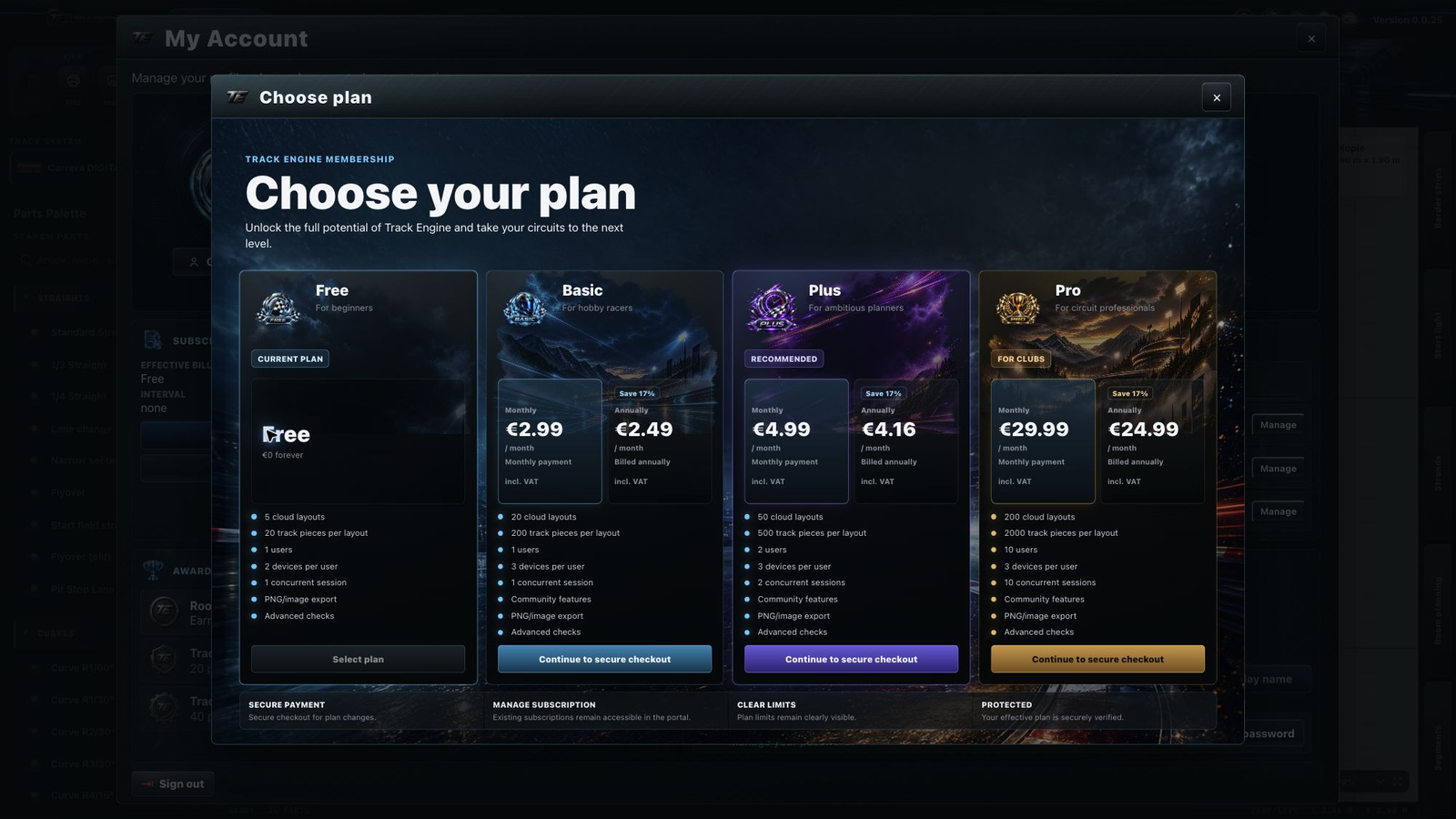
What the plans include
The saved-layout count applies to the whole workspace. The device count applies to each person individually. The session count determines how many uses of Track Engine can run at the same time. The owner counts as a user.
| Plan | Saved layouts | Total users | Devices per user | Concurrent sessions |
|---|---|---|---|---|
| Free | 5 | 1 | 2 | 1 |
| Basic | 20 | 1 | 3 | 1 |
| Plus | 50 | 2 | 3 | 2 |
| Pro | 200 | 10 | 3 | 10 |
Free is free of charge. Basic costs €2.99 monthly or €29.90 yearly, Plus €4.99 or €49.90, and Pro €29.99 or €299.90. Monthly and yearly billing are alternatives; check the selected interval before confirming.
Basic, Plus and Pro include Community access. Read segment limits in the Segments area.
Who pays for the plan
The owner manages the subscription. Invited members use this workspace plan’s features and limits and do not need their own Plus or Pro subscription for their seat. See Team members.

Upgrades, downgrades and scheduled changes
An upgrade to a higher plan takes effect immediately after successful payment. A downgrade to a lower plan is scheduled for the end of the current billing period. Your existing plan applies until the displayed date.
A scheduled change is visible in your account. Where an action to withdraw it is offered, you can do so before it takes effect. Read the displayed status again afterwards.
Cancel or withdraw cancellation
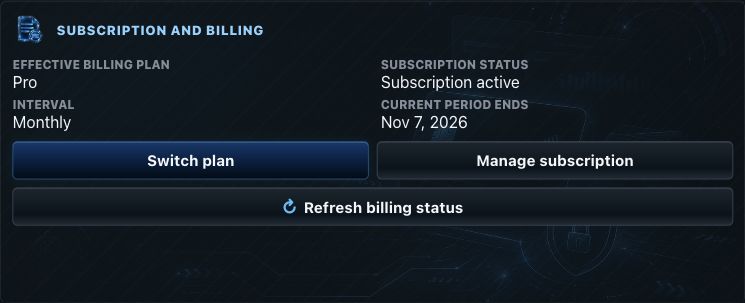
Open “Manage subscription” and follow the offered cancellation action. Cancellation at period end does not immediately end paid access: your plan remains active until the displayed end date.
If you want to continue, use the offered renewal or withdrawal action before that date. You are done when the scheduled cancellation is no longer shown and continuation is confirmed.
Invoices and payment management
“Manage subscription” opens billing management. Use the payment, invoice or subscription actions actually offered there, then return to Track Engine.
A plan change does not immediately delete your content. With future lower limits, read the account notices before the change takes effect. For devices and active use, see Devices and Sessions.
Related articles
Was this page helpful?