
Account
Managing Team Members
Invite people, check user places and manage your Plus or Pro team.
Invite someone
You need a Plus or Pro workspace, a free user place and the “Owner” role.
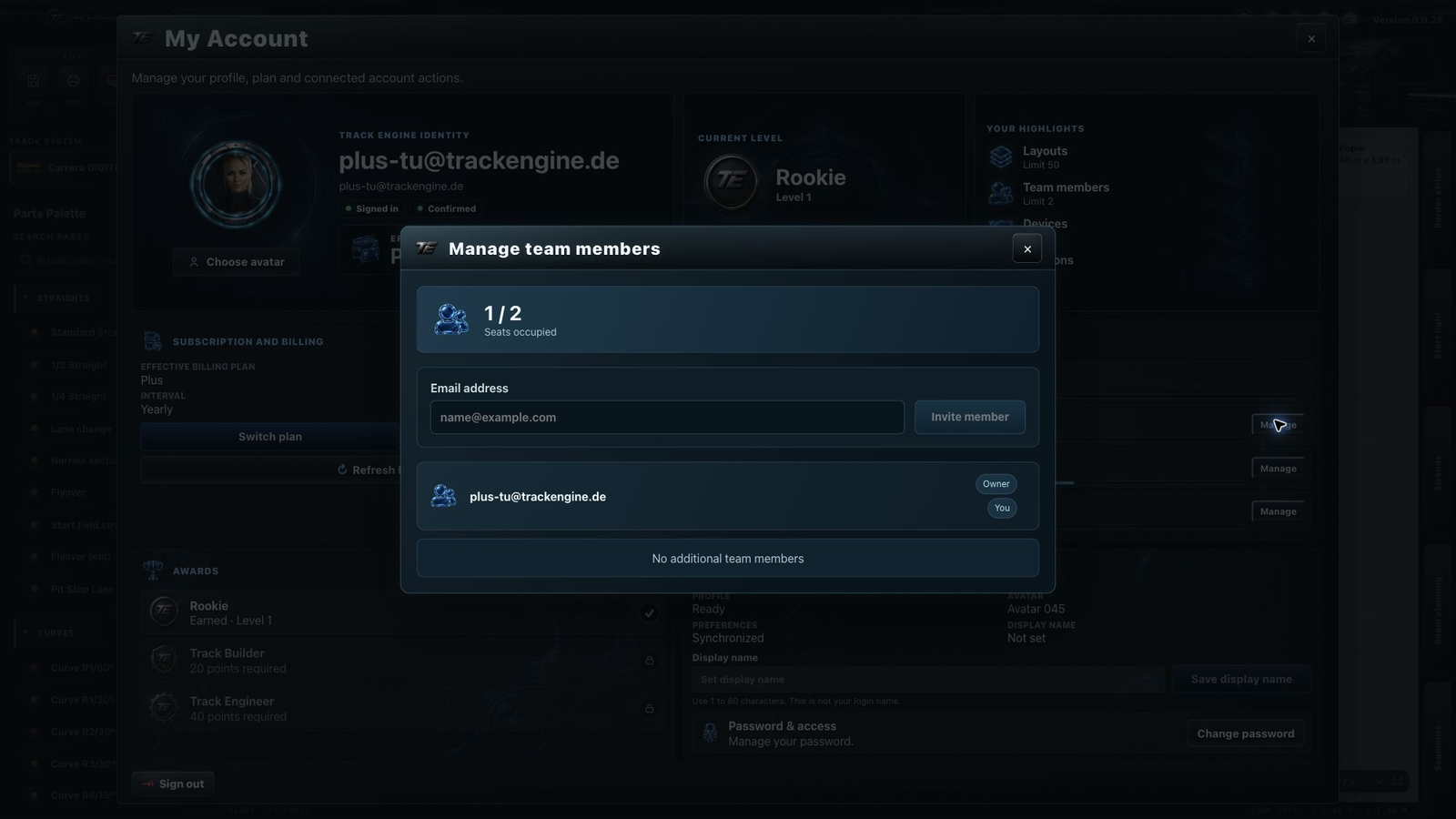
- Open “My Account”, then “Manage team members”.
- Look at how many places are occupied.
- Enter the person's email address and select “Invite member”.
- They open the invitation email's link and accept using the account for that email address.
The invitation first appears as “Pending”. You are done when the person appears in the member list and can access the workspace.
If something goes wrong
First check the email address and available places. If the email is missing, ask the person to check their spam folder too.
How many people can join?
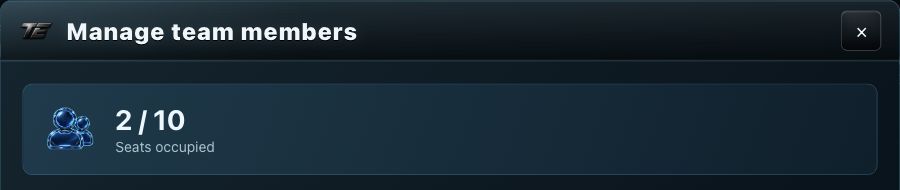
The owner counts towards the limit. Plus has 2 user places in total; Pro has 10. Free and Basic each have 1 and do not allow additional team members.
A still-valid pending invitation occupies a place. If the team is full, check both members and pending invitations. You can still open team management even when no more places are available.
What members can use
Members use the same workspace's saved layouts, segments and Racing database entries. The features and limits of the owner’s plan apply. The invited person does not need their own Plus or Pro subscription for this place. Layouts and segments are edited by one person at a time; others can view them meanwhile.
Room plans are saved in each person's browser and are not automatically shared with the team. See Workspace and roles for the differences.
Revoke an invitation
Select “Revoke” for a pending invitation and confirm. The old link can no longer be accepted. If you want to invite that person after all, send a new invitation.
Remove a member
Select “Remove” beside the member and read the confirmation dialog. Once you confirm, the person loses access to this workspace. Their devices registered in this workspace and their active sessions in it are also revoked.
Agree first
Before removing someone, ask them to save their work and finish editing shared plans.
If an invitation cannot be accepted
Check that the person is signed in with the invited email address and has confirmed it. Then see whether the invitation is still valid or has been revoked. A new invitation only helps if a place is available.
The owner continues to manage the subscription. See Manage your plan and subscription.
Was this page helpful?