
Account
Understand My account
Change your profile, read your usage and find help with sign-in and passwords.
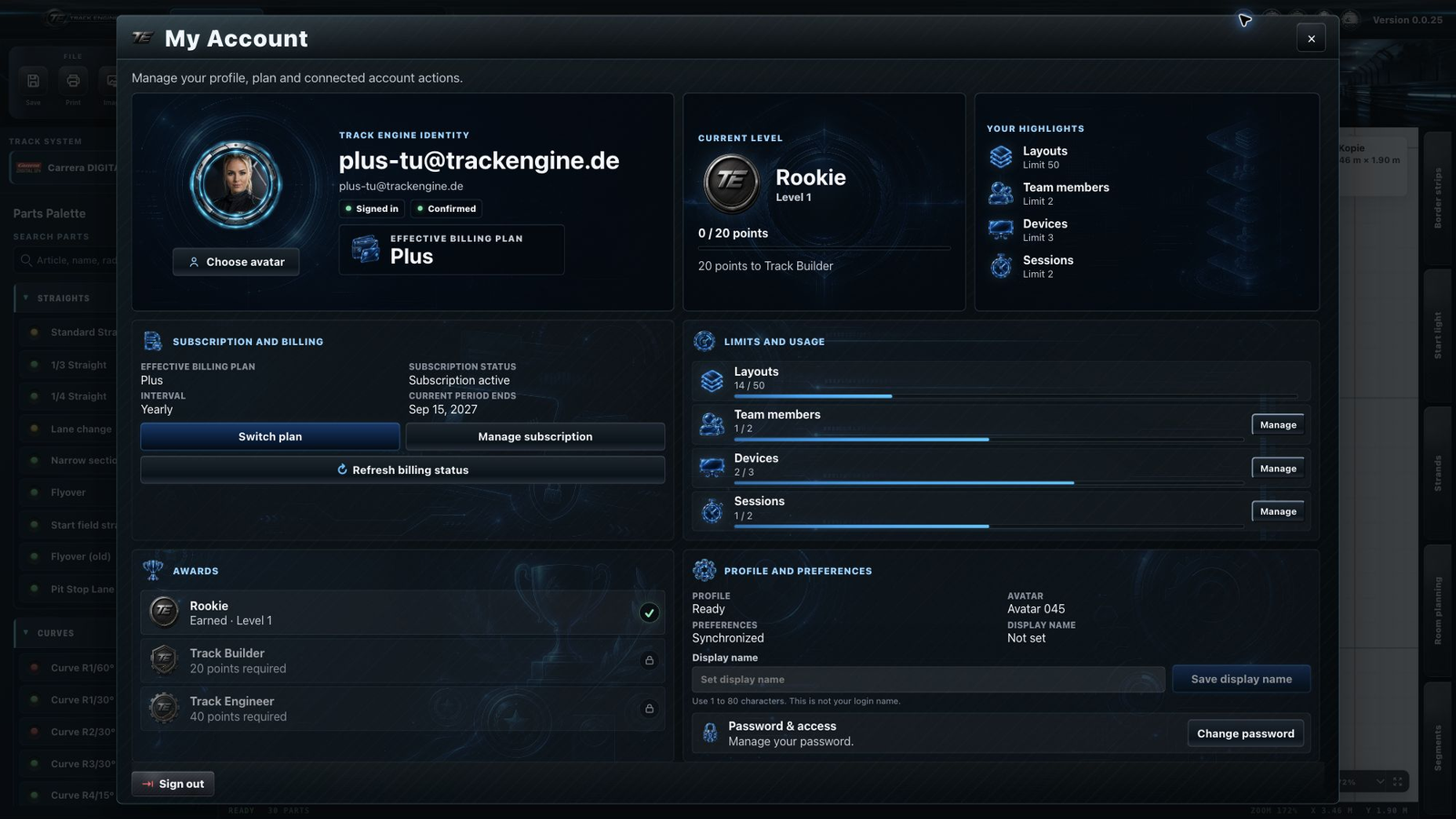
View your profile and usage
- Open “My account”.
- Read your plan and usage limits.
- To change your name, enter a “Display name” and choose “Save display name”.
- Use “Choose avatar” to select one of the offered images.
The name change is complete when “Profile saved.” appears. The display name does not replace your email address when signing in.
An area is missing
First check that you are signed in and which role you have. Some actions belong to the owner, such as subscription management.
What you find here
“4/20 layouts” means you have used 4 of the 20 available layout spaces. The dialog also shows user seats, registered devices and active sessions.
A workspace is your shared Track Engine area for layouts, segments, drivers, vehicles and tracks. Members use the features and limits of the owner’s plan.
Find your next steps under Plan and subscription, Devices, Sessions and Team members.
Create an account
- Choose “Create account” and enter your email address and a password.
- Open the confirmation email and its confirmation link.
- Return to Track Engine and choose “Sign in”.
You are done when you have opened the confirmation link and can then sign in to Track Engine.

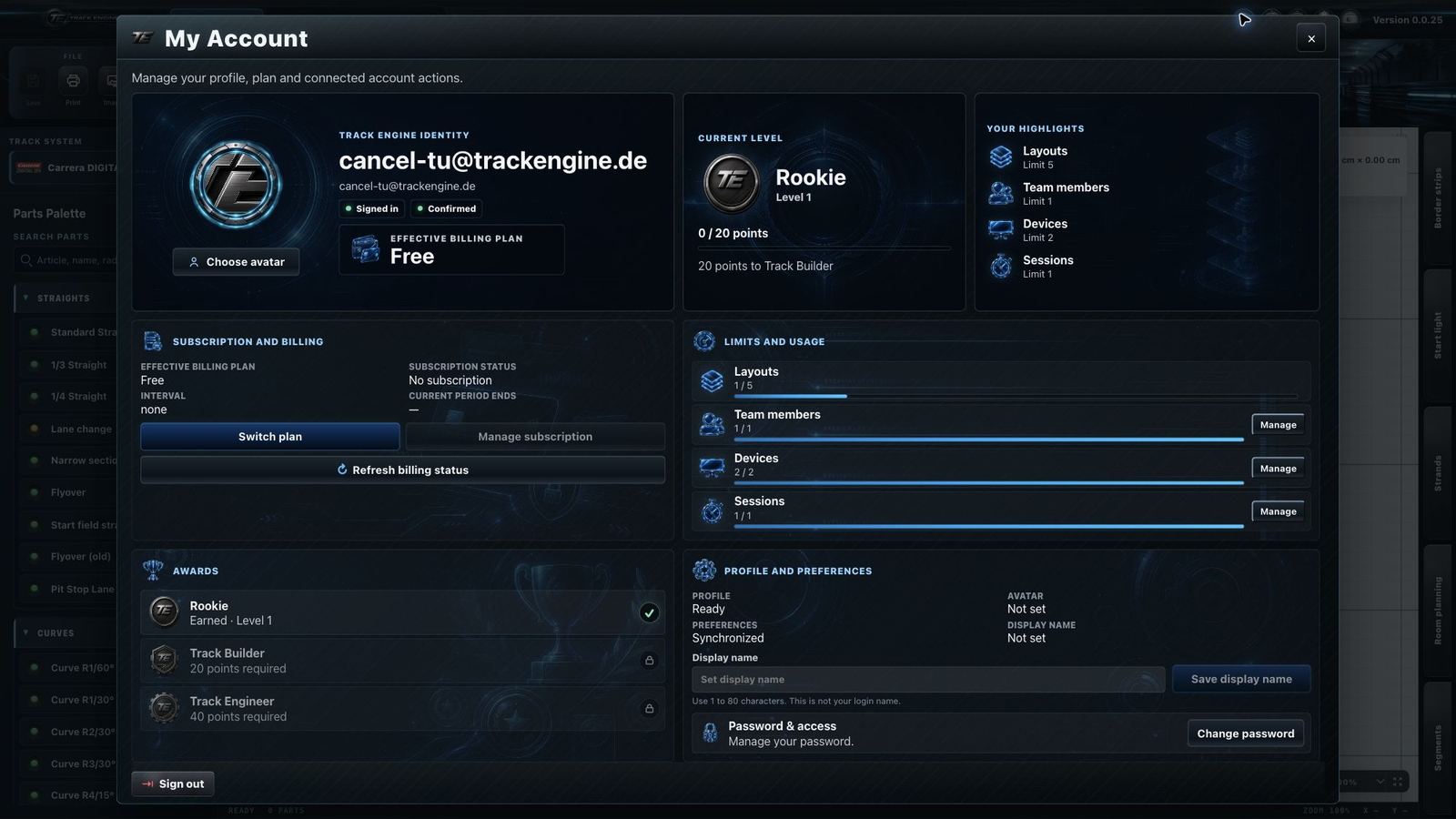
Forgot your password
- Choose the forgot-password option on the sign-in screen.
- Enter your account email and choose “Send reset email”.
- Open the email link and set a new password.
- Sign in again with this password.
The confirmation or reset email is missing
First check your spam folder and the email address you entered. Use the link from the newest email. When opening an invitation, sign in with the account for the exact invited address.
Choose a profile image
Use the offered avatar selection. Uploading your own image is not part of this flow. To work together, start with Workspace and roles.
Was this page helpful?