
Track Planner
Flex Adjustment in Track Planner
Apply an available Flex adjustment and inspect shape and track status separately.
Use an available Flex adjustment
Flex distributes small adjustments around the track so the rails fit together better. You do not need to correct every small offset individually.
- Look for “Flex compensation available”.
- Choose “Apply Flex compensation”.
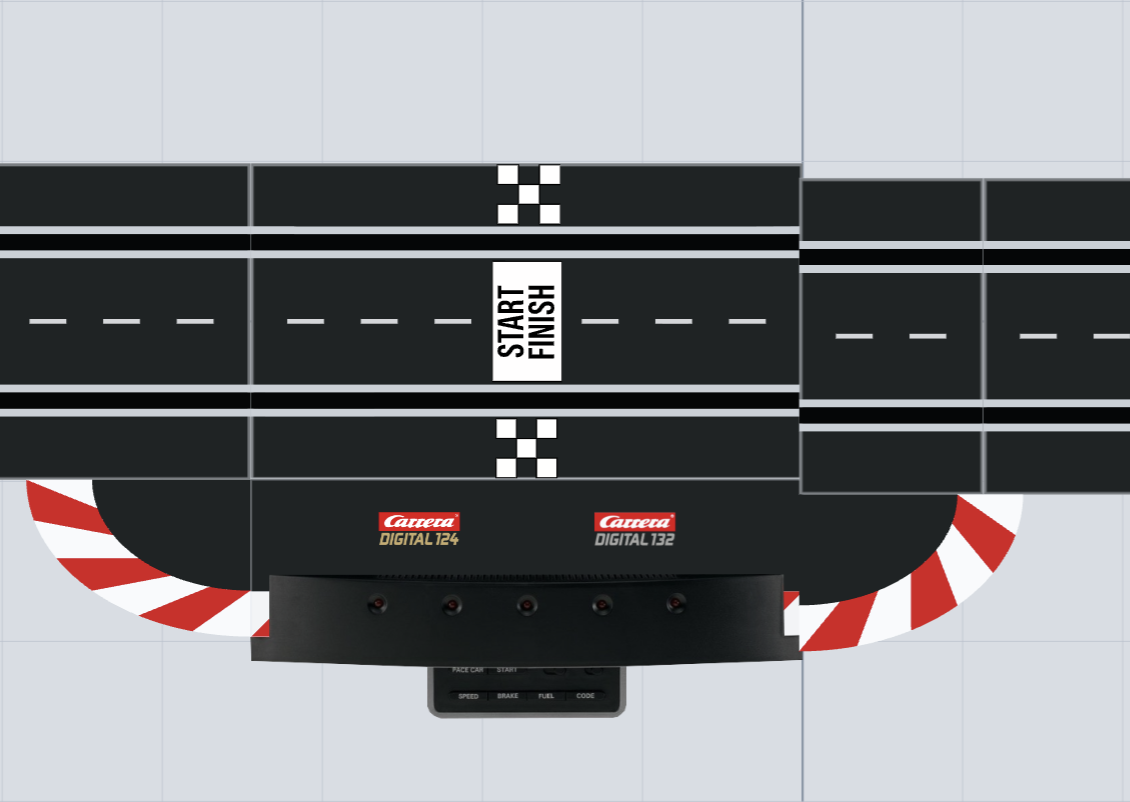
- Compare the adjusted layout with its previous shape.
- Read the track status again. If the track remains open, edit the remaining connection.
The adjustment is done when it has been applied and the shape suits your build. The track status still tells you whether the track is closed.

Flex Adjustment
Activate here
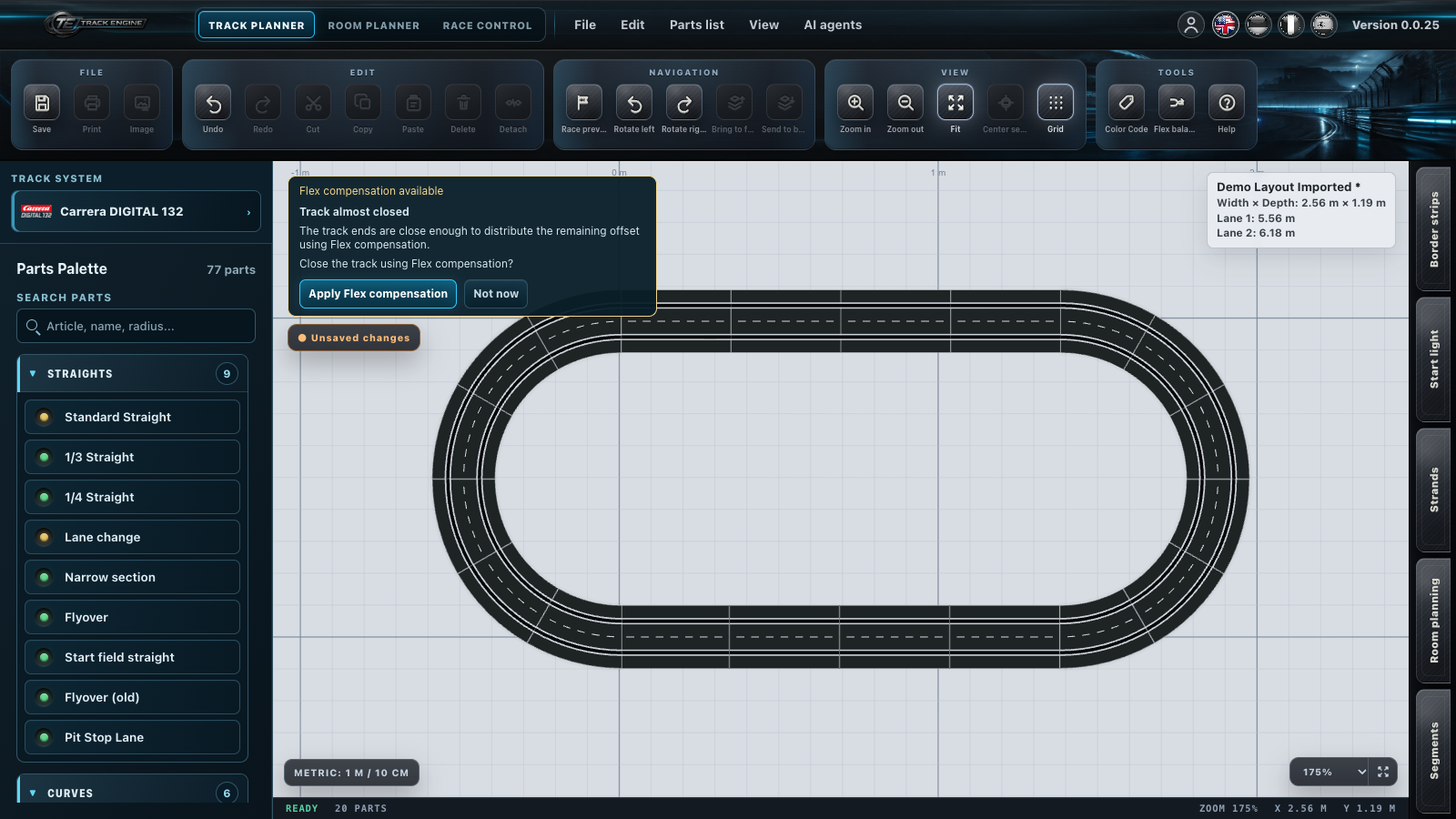
If no adjustment is offered
First look at these points: Do the two open ends fit together? Is a required piece missing? Is the wrong variant or direction installed? Flex cannot replace missing pieces or a wrong connection.
Separate Flex from track closure
Green means “Track closed”, orange “Flex compensation available”, red “Track open”. Orange does not mean “almost closed”. It only means Track Engine can attempt a Flex adjustment here.
Flex can also refine an already closed track. You do not need to create a gap to use an available adjustment.
Before
After
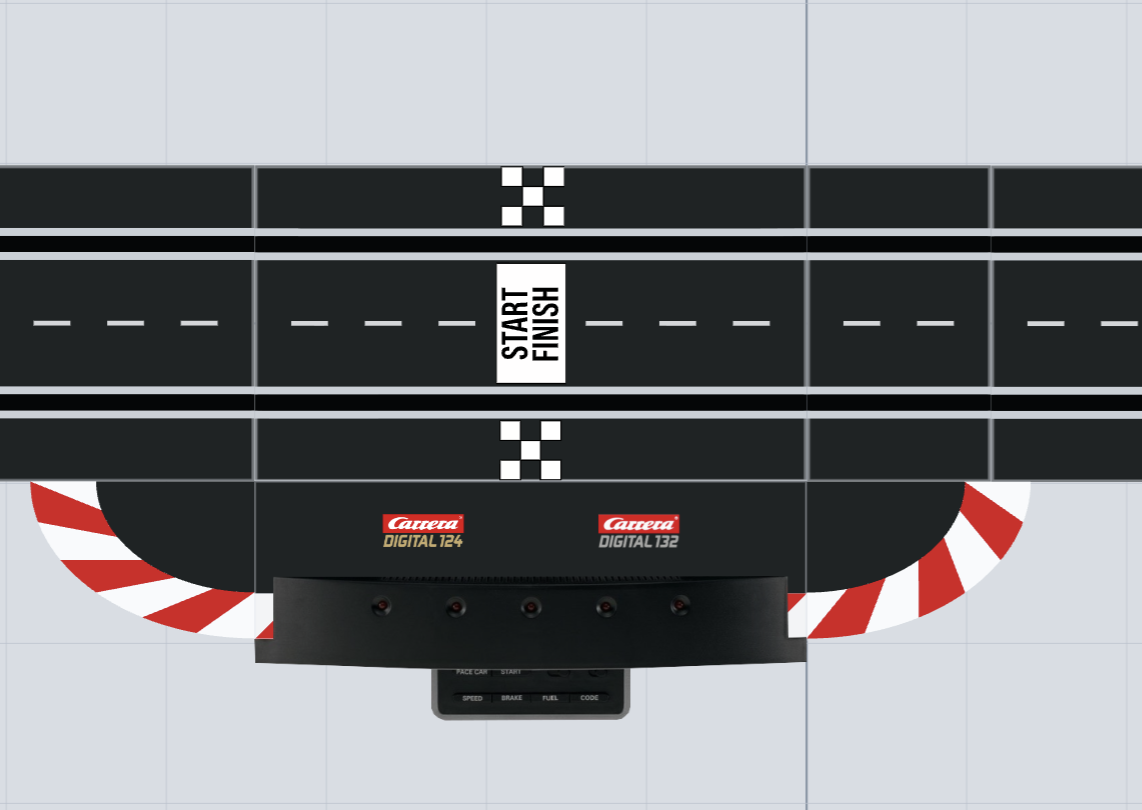
The adjusted shape is saved with your layout and appears again when you reopen it.
Compare the whole shape
Look for changes across the whole track, rather than only at the previous gap. The adjustment can shift several pieces slightly relative to each other.
Consider the physical build
Flex is a planning aid. Compare the adjusted track with your physical rails and the space on your tables or platforms. Avoid planning a connection you could only assemble by force. After larger changes, look at the whole track again and read its status. Flex helps with small adjustments; you need to correct missing or wrongly installed pieces yourself.
If the track is still open
Inspect the remaining connection and the variants used. Closing the track explains the next step. Lane colours do not prove closure after an adjustment either.
Save your draft whenever you want to keep that version; you can continue working on an open track later.
Related articles
Was this page helpful?