
Race Control
Event Planning
Plan an Event and use additional Event-specific functionality on top of the standard race setup.
Planning an Event
- Create or open an Event.
- Choose a pre-configured module combination, or assemble Practice, Qualifying, and Sprint yourself.
- Work through the chosen modules and the actual race (see "First Quick Race").
- Set how the final classification is determined on the "Event Type" tab.
- Review the Event's outcome and the award ceremony.
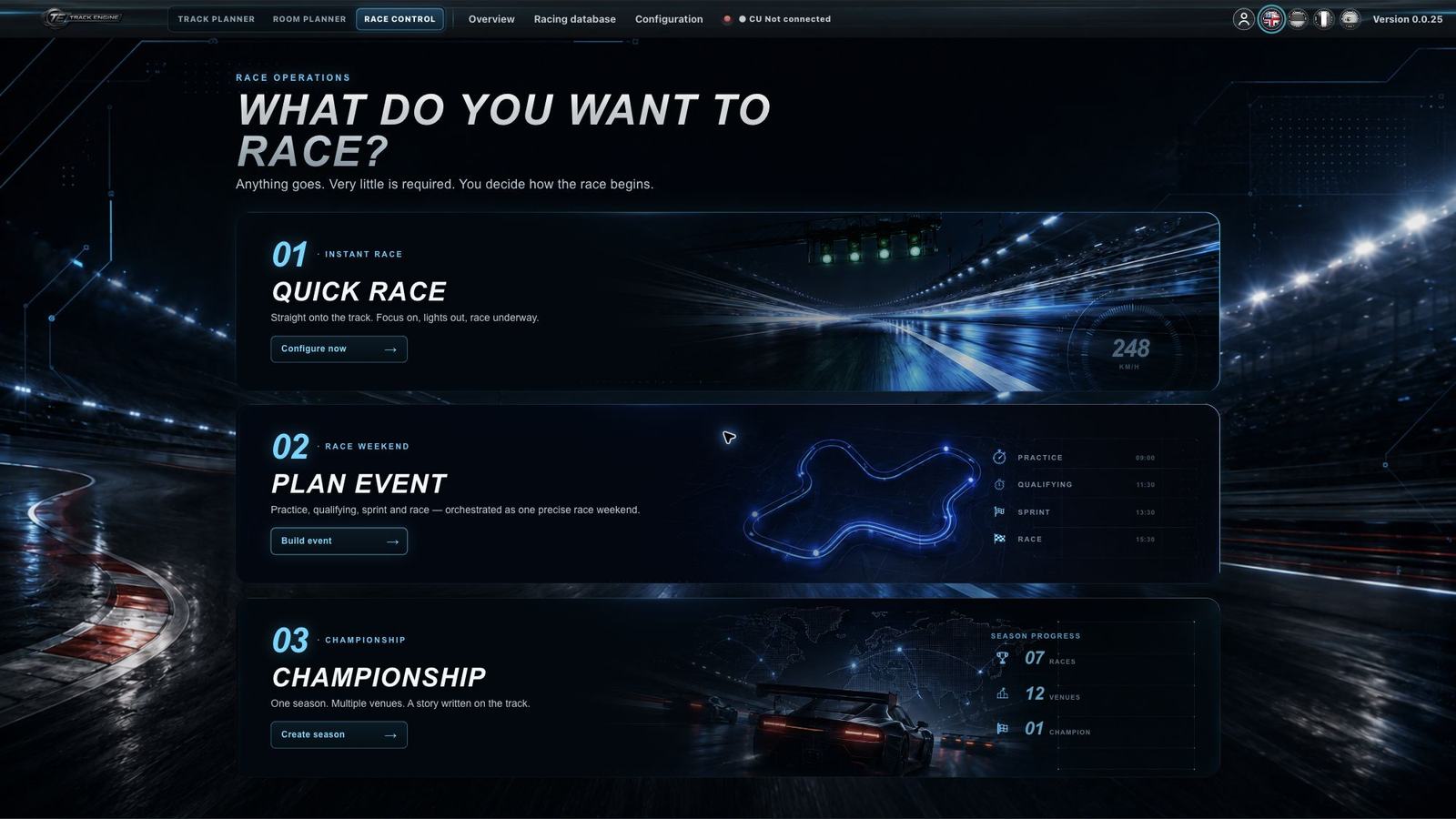
Basic race settings
Basic race settings are explained in "First Quick Race." This article only covers what's additional to a normal Quick Race.
What an Event adds
An Event is one of several Race Control workflow types. It builds on the same race setup as a Quick Race and adds optional, upfront modules: Practice, Qualifying, and Sprint. You can pick a pre-configured combination or assemble your own sequence. Beyond selecting these modules, there are no further, additional settings compared to a Quick Race.
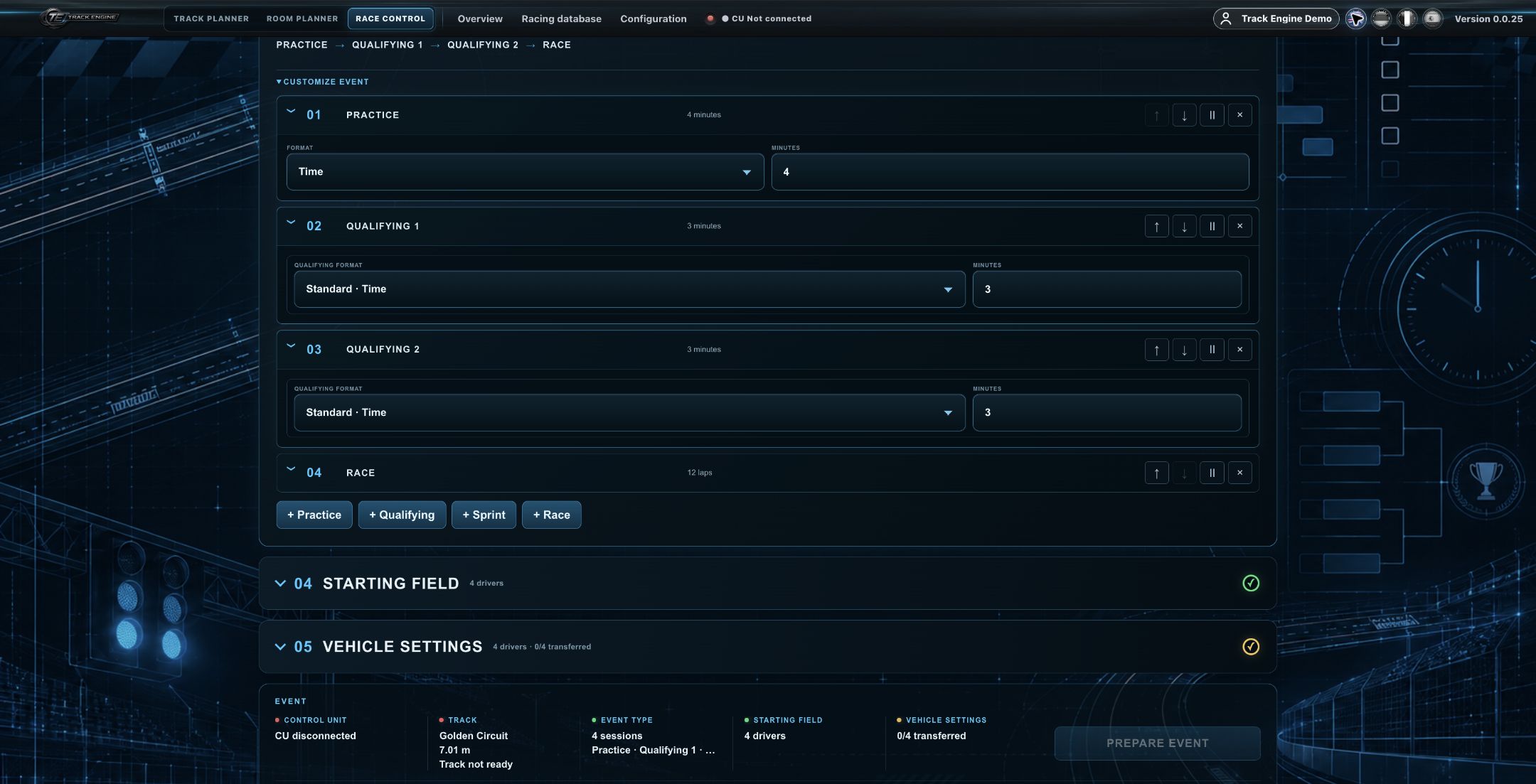
Modules become mandatory after setup
The modules chosen during Event setup (Practice, Qualifying, Sprint) then become part of the guided workflow and are worked through accordingly — unlike in a Quick Race, where Practice/Qualifying stay optional.
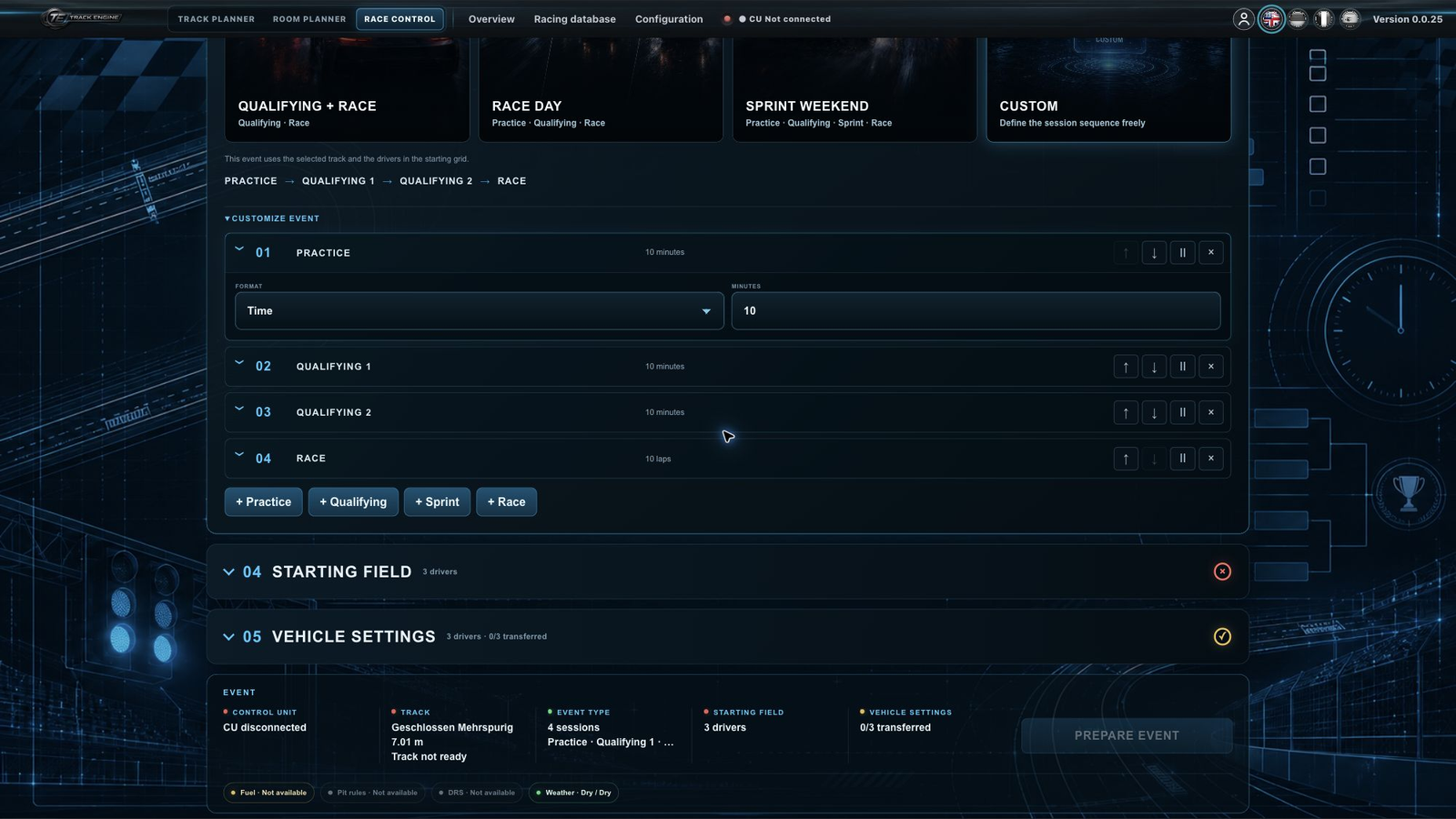
Sessions/races within an Event
The actual Event workflow follows the modules chosen during setup — each module (Practice, Qualifying, Sprint, the main race) runs through the same race setup you know from "First Quick Race."
A result after every race, the final classification only at the end
Each race within the Event keeps its own race result. After a non-final race, Race Control shows that race's result plus the Event's updated standings — with no award ceremony yet. Only after the Event's final race do you get the final race result, the Event's final aggregate classification, and a single, final award ceremony based on that classification.
Final classification via the "Event Type" tab
The "Event Type" tab lets you set how the final classification is determined:
- Total Points — the selected point profile is applied; the default is the existing F1 Standard profile.
- Placement Sum — the official finishing positions across the Event's races are summed; lower is better.
- Total Race Time — the official race times across the Event's races are summed; lower is better.
On a tie, possible tie-break concepts come into play: Countback, Placement Sum, Total Race Time, or the final race's result.
Shared award ceremony
An Event's final result uses the same award-ceremony presentation as a Quick Race.
An Event is a workflow layer over the shared race flow
An Event is its own workflow type that builds on the same underlying race flow as Quick Race, rather than replacing it — it only adds the optional Practice/Qualifying/Sprint modules and the final-classification logic on the "Event Type" tab.
Preset vs. custom module selection
During Event setup, you can choose between pre-configured module combinations and a freely assembled sequence of Practice, Qualifying, and Sprint. Once setup is complete, the chosen modules become mandatory for the rest of the flow.
Starting grid with multiple Qualifying sessions
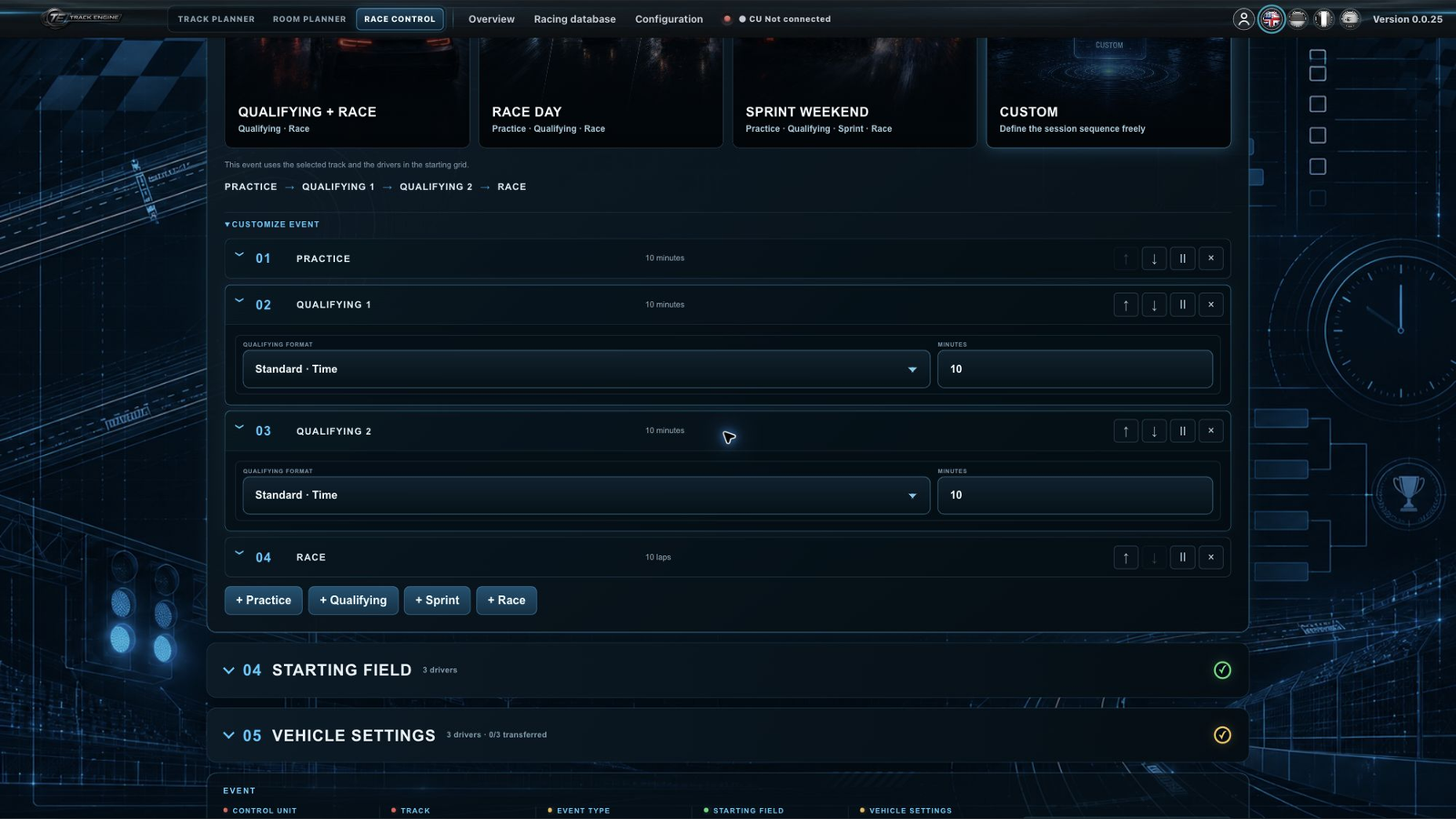
Each race owns exactly one authoritative grid source — there's no separate, global Qualifying aggregation setting. If an Event has multiple Qualifying sessions ahead of a race, that race can choose among several grid sources:
- individual Qualifying
- individual Qualifying, reversed
- Best Single Lap — the fastest valid lap across that race's entire Qualifying Block
- Sum of Best Times — the best valid lap from each Qualifying session in the block, summed
- existing manual or Event-order sources
Image coming soon
The Qualifying Block is every Qualifying session after the previous race and before the current one; Practice doesn't break the block. Different races within the same Event can use different grid sources.
Was this page helpful?