
Community
Find layouts in the library
Find own, provider and Community layouts and understand which version you can edit.
Find a suitable track
You want to open a saved track or discover a template.
- In the Track Planner, open “Open layout”.
- Choose “My layouts”, “Providers” or “Community”.
- Search by title, author or manufacturer and select the appropriate track system.
- Look at the card. “Details” provides more information; “Open layout” opens the track.
You are done when the selected track appears in the planner. Save an unsaved draft before opening another layout.
I cannot find a track
First clear the search text and filters and check the selected track system.
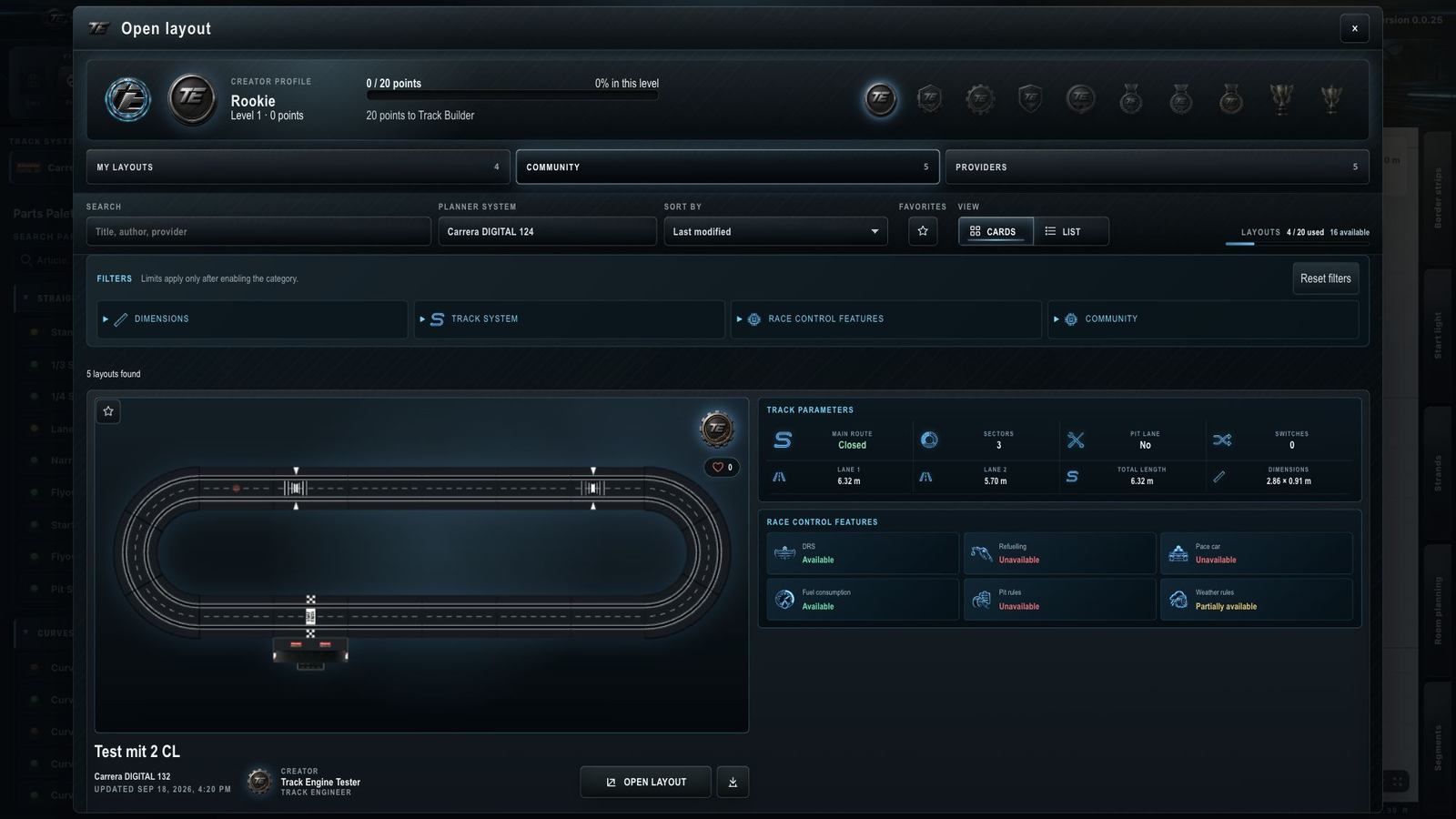
Three areas, three sources
- My layouts: Your saved layouts or those of your workspace. This area offers actions to rename, duplicate, delete and publish.
- Providers: Templates supplied by manufacturers or providers. You do not edit their published original. Use the offered copy action to make your own version.
- Community: Tracks published by other users. Here too, the original stays separate from your own editable copy.
A workspace is the shared Track Engine area for layouts, segments, drivers, vehicles and tracks.
Cards, filters and details
A card shows a preview, title, track system and creator. Search, sorting and filters help narrow the results, for example by size or favorites. A filter category applies only after you enable it.
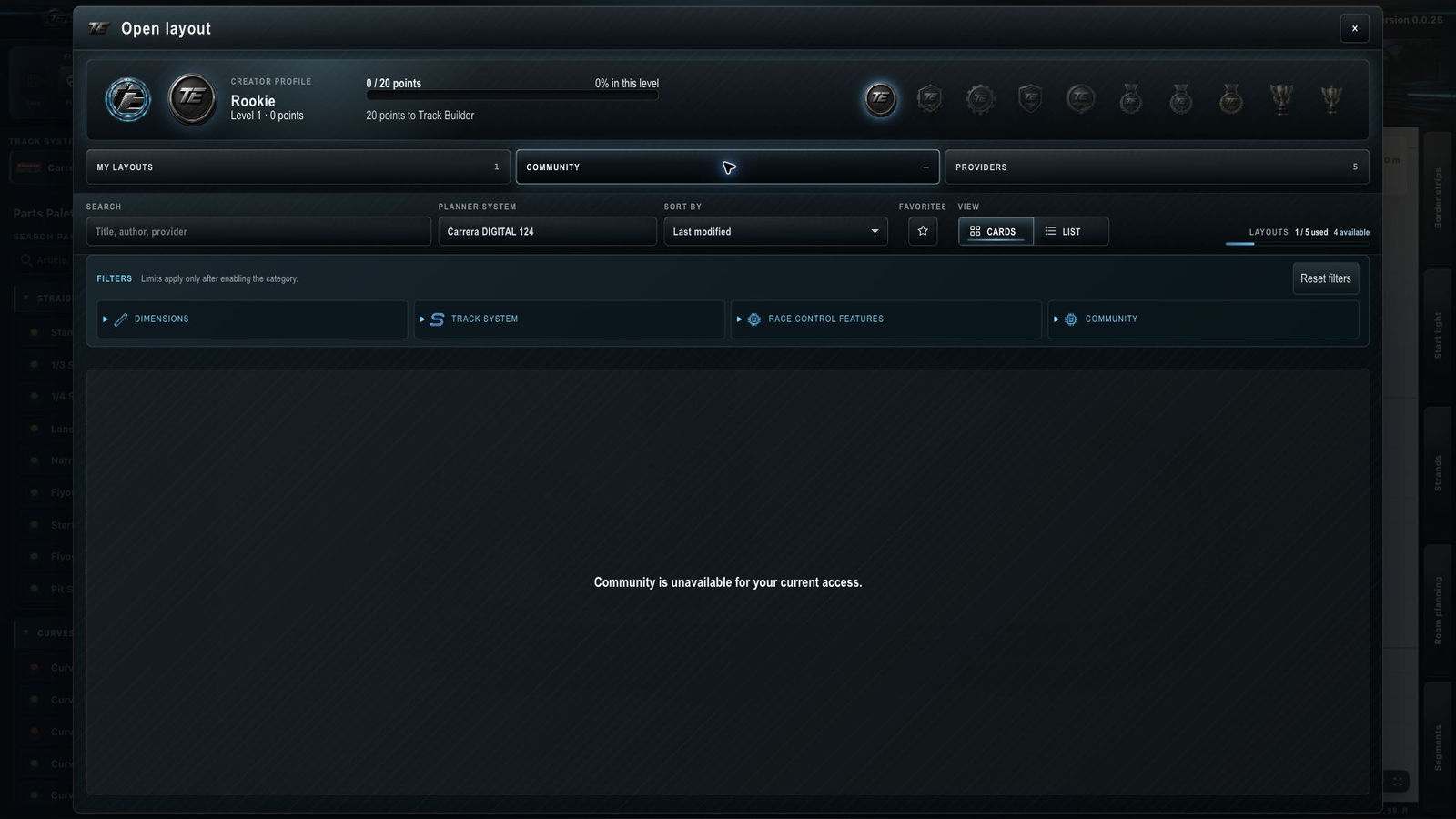
“Details” shows track information and available records. Likes, favorites and copies explains how to use a template.
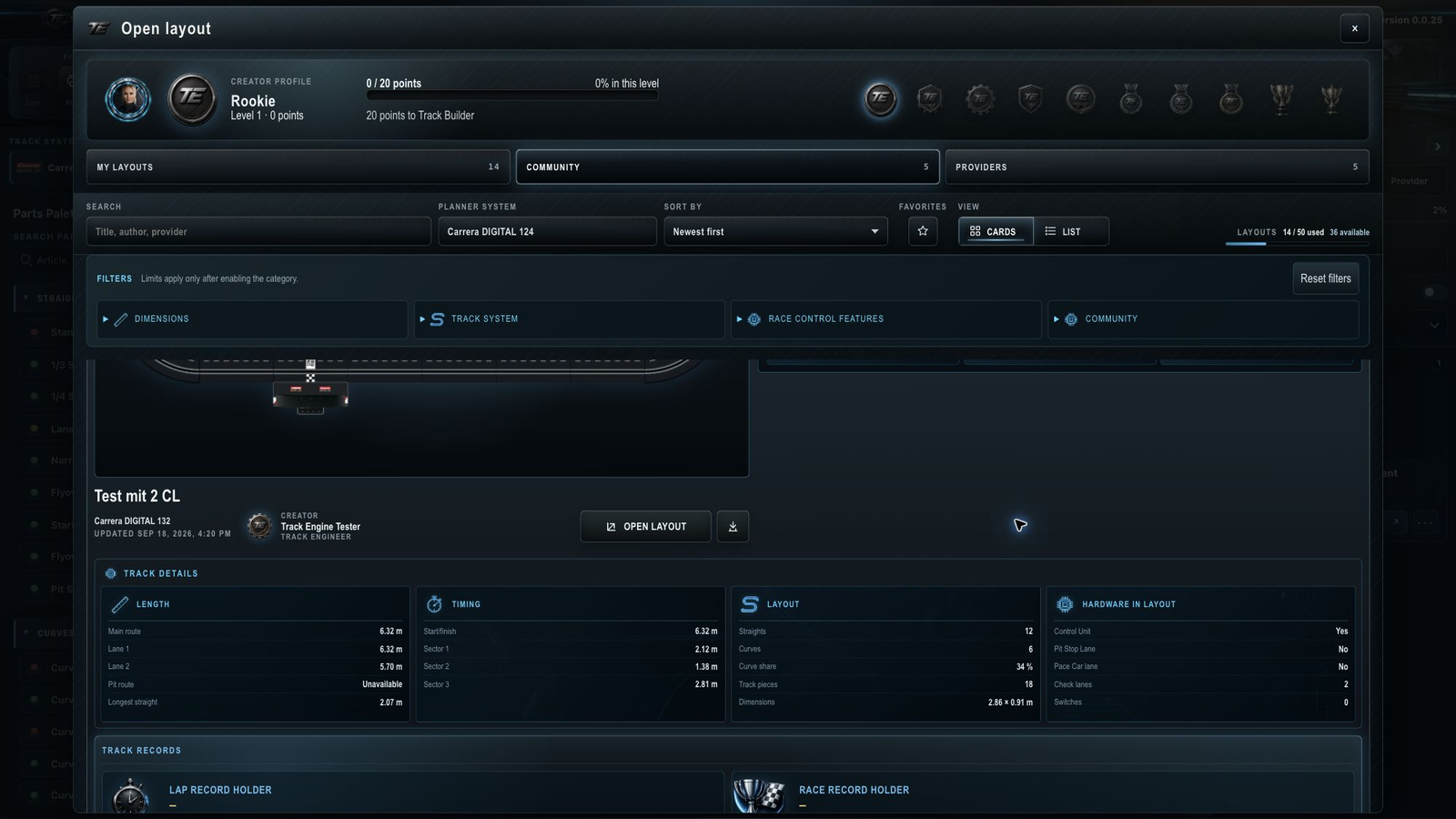
Community is unavailable
Basic, Plus and Pro include Community access. Community is unavailable on Free; “My layouts” and “Providers” remain usable. Check My account to see which account and plan you are using.
What feature information means
Information about fueling, DRS or weather describes possibilities of the planned track. It does not automatically enable these features in a race. Race settings remain separate.
For sections rather than whole tracks, use Reusable track segments.
Related articles
Was this page helpful?