
Track Planner
Reusable track segments
Save a section, use it again and share it as a segment.
Reuse a section
You do not need to rebuild a curve combination or pit lane every time.
- Select the track pieces you want.
- Choose “Save as segment”.
- Enter a name and category, then choose “Save”.
- Open “Segments” and “Own”.
- Choose “Insert” on the appropriate segment and place it in the layout.
You are done when the saved section appears in your layout again.
I cannot insert it
First check that the segment and layout use the same track system. “Compatible segments only” helps with selection.
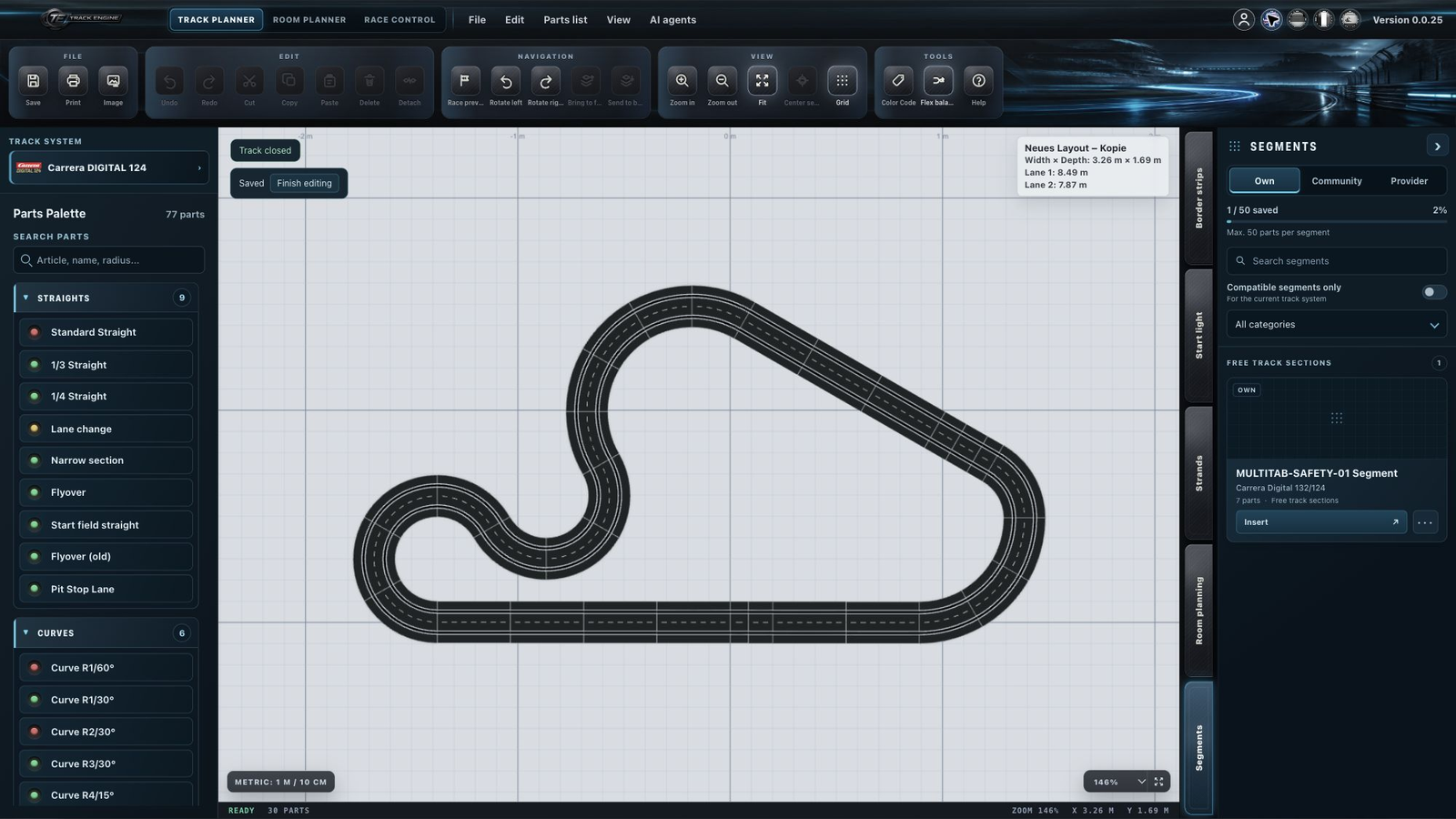
A segment is not a complete track
A segment is just a reusable piece of track, rather than a complete race-ready layout. It can have open ends.
Copy and paste helps during current editing. You can also use a saved segment later in other layouts.
Own, Community and Provider
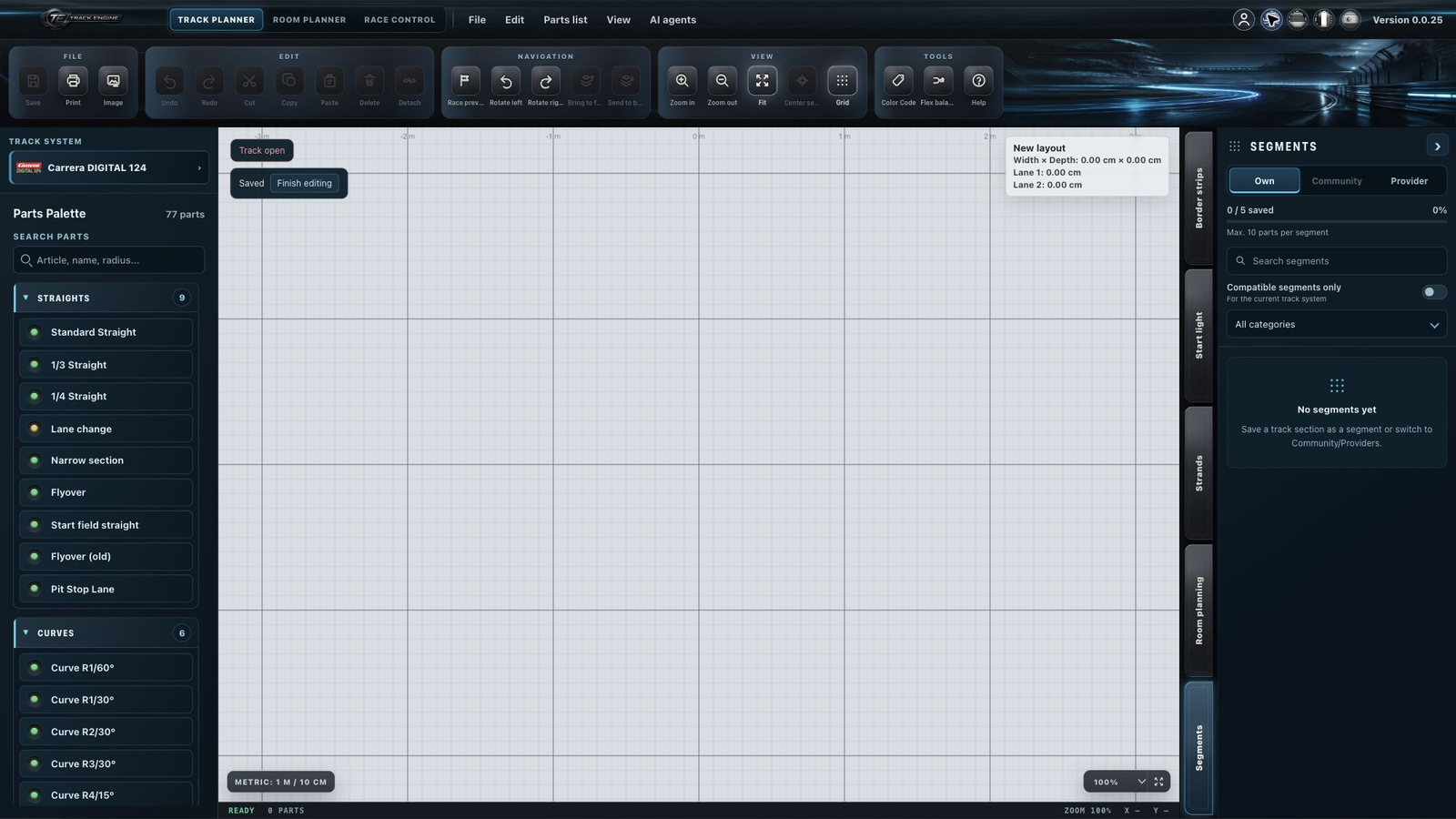
“Own” contains your saved sections or those of your workspace. “Community” shows sections published by other users. “Provider” contains supplied templates. Inserting a template does not change its published original.
Community is unavailable on Free. Basic, Plus and Pro have access. The displayed storage and part limits apply to your plan; read them in the Segments area.
Publish a segment
Open “More actions” for your saved segment and choose “Publish to Community”. Then read the confirmation or submission notice.
Track Engine checks that the section contains track pieces, that its pieces belong to the selected track system, and that the saved connections and accessories fit those pieces. The section must also stay within the applicable part limit. A completely closed track, a Control Unit, a PSAU reachable from every racing lane or Connection Track 20515 are not required for a segment. Those rules belong to Publish a layout.
I cannot publish
Start with the displayed notice. Check sign-in, Community access and the part limit. A submission already in review does not need a second submission.
Edit together
Only one person at a time can edit a segment in a shared workspace. Save changes and release editing afterwards. See Workspace and roles.
Related articles
Was this page helpful?