
Track Planner
Split and Reconnect the Track
How to split a track into separate sections, move them, and reconnect them by drag and drop.
Splitting and reconnecting a track
- Split the track at the point you want.
- Move the separated section freely in your layout if needed.
- Reconnect the sections by dragging them back together.

Detach
Detach here
Working with separated sections
A separated track section can be freely positioned independently of the rest of your layout.
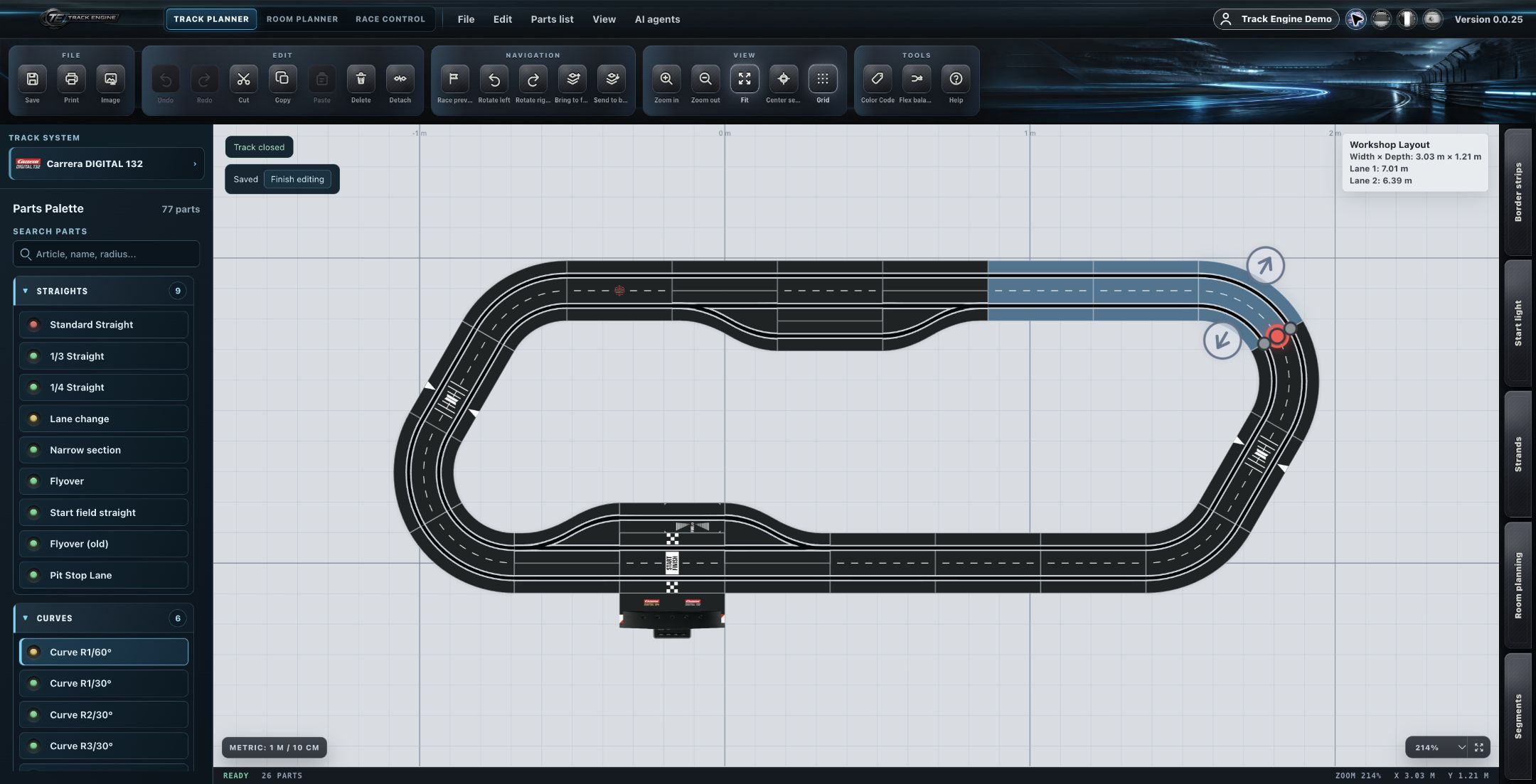
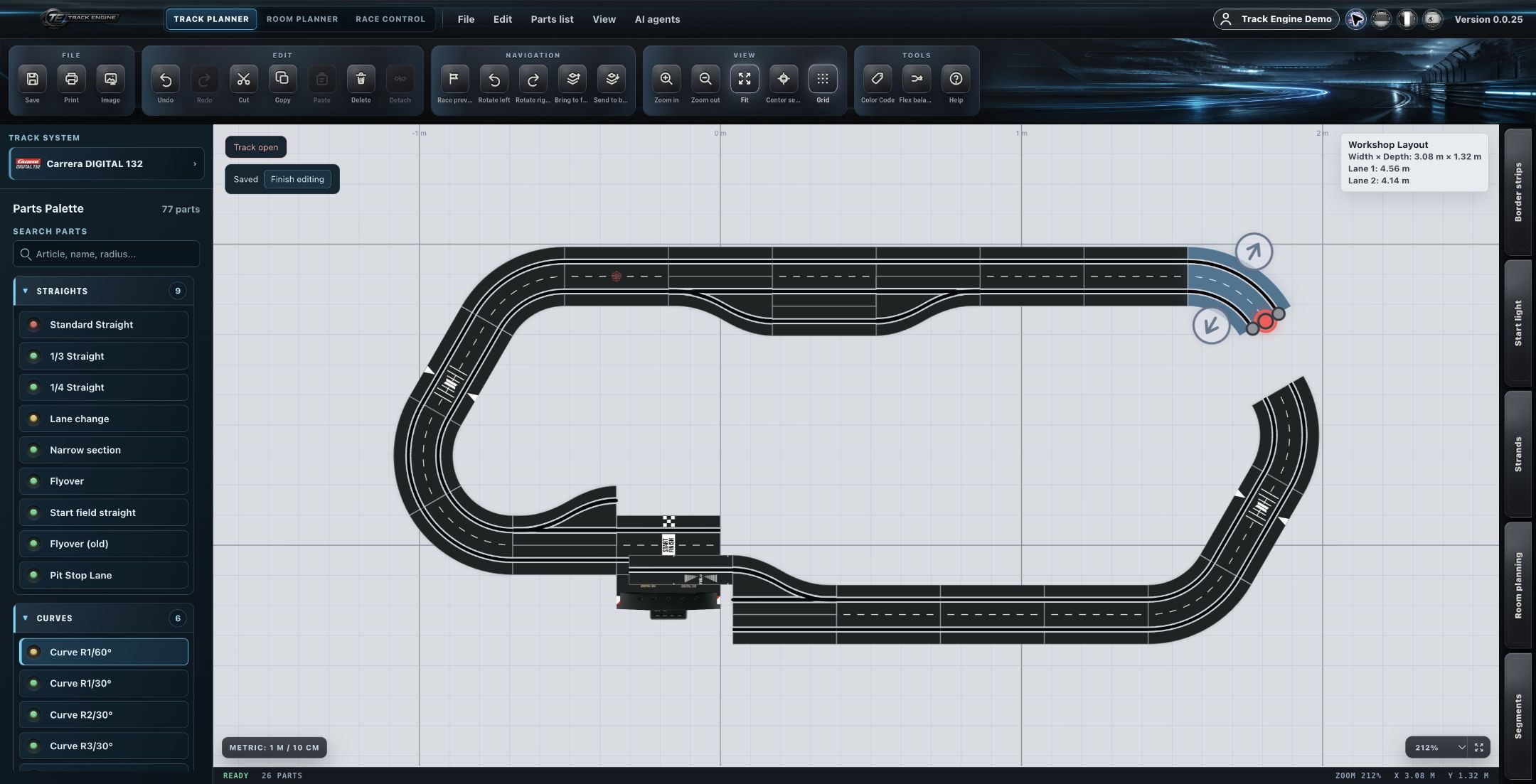
Reconnecting sections by drag and drop
Drag a track section to the matching point to reconnect it with another section. The connection uses the Center Point, and the target part being connected to is highlighted.
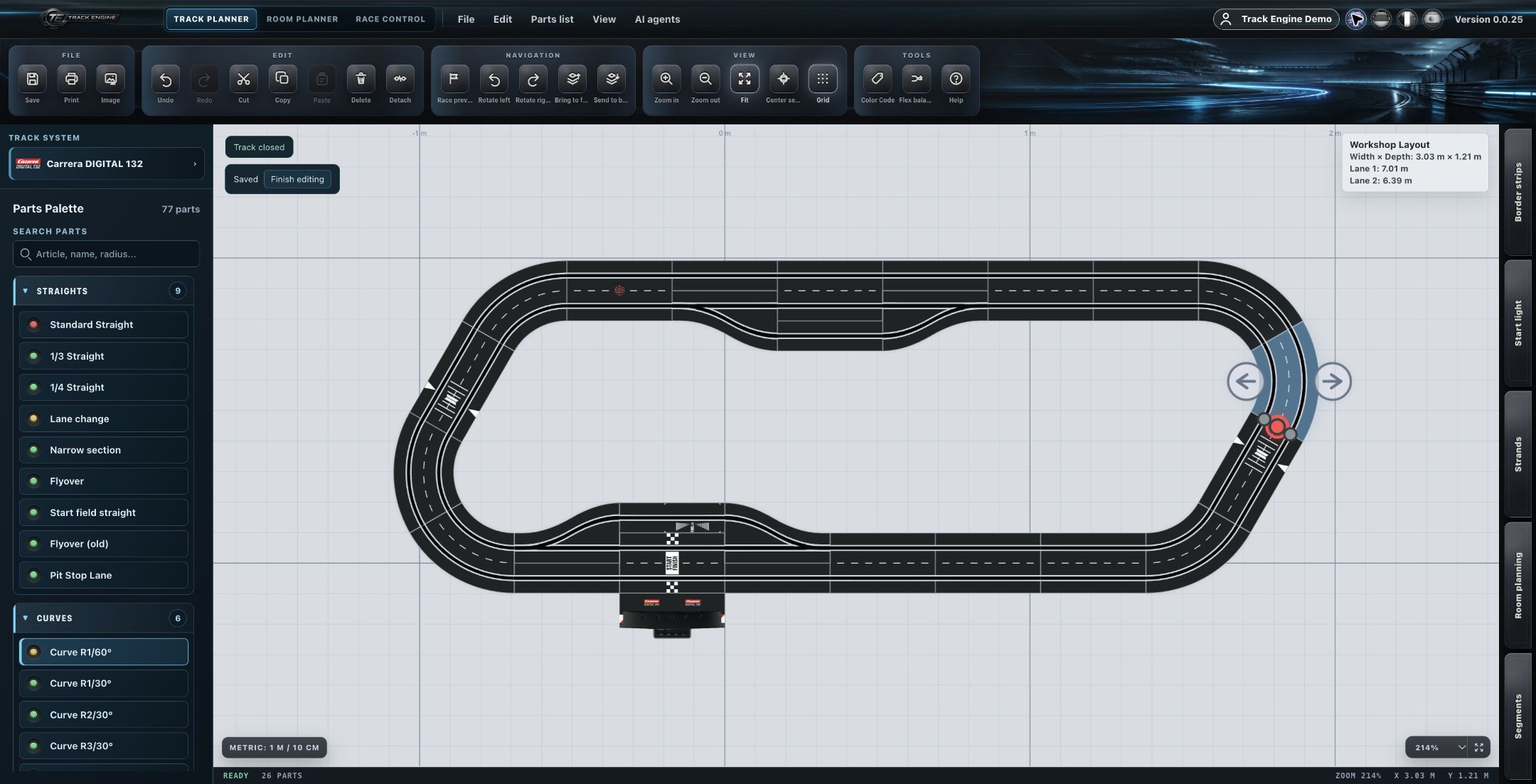
Technical closure still depends on geometry
Whether a reconnected track is technically closed still depends on the actual track geometry — not simply on joining two sections.
Center Point as the connection reference
Connecting/reconnecting track parts uses the Center Point as the reference; the target part is highlighted. The exact numeric snap tolerance is an internal implementation detail and intentionally not part of this knowledge base.
Related articles
Was this page helpful?