
Track Planner
Lanes and Multi-Lane Layouts
How to plan multi-lane layouts using the Side Panel for track strands.
Extending the Track~5 min read
Planning a multi-lane layout
- Open the Side Panel for track strands/lanes.
- Configure the strands to match your planned layout.
- Build your layout with more than the standard number of lanes.
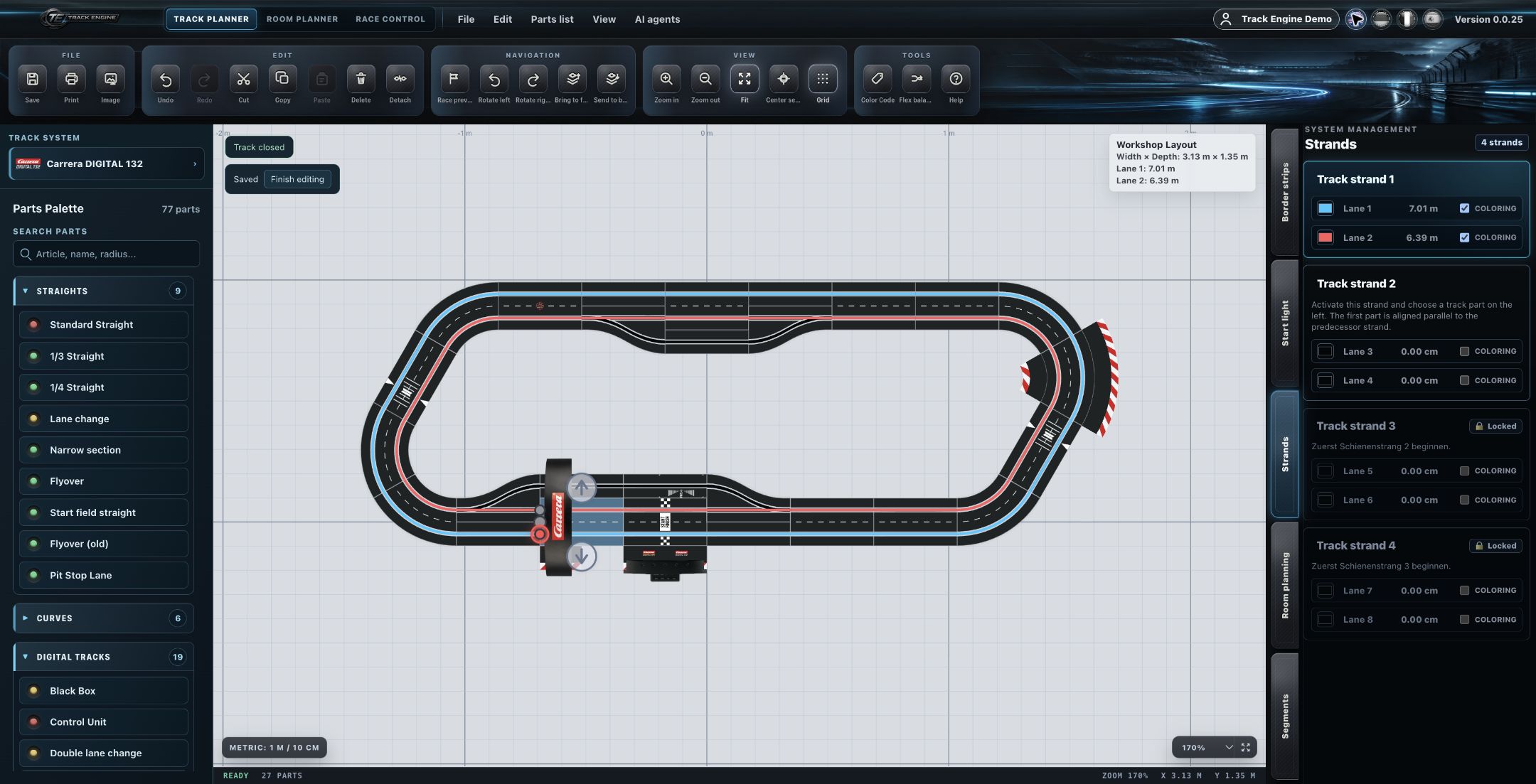
Strands and multi-lane planning
Track Engine supports planning multi-lane layouts through the Side Panel for track strands. How individual track routes map to strands is controlled through this Side Panel.
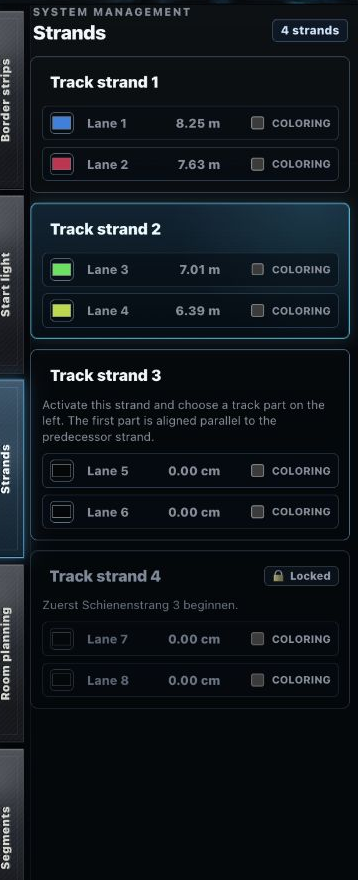
Example of a multi-lane layout
A layout with more than the standard number of lanes.
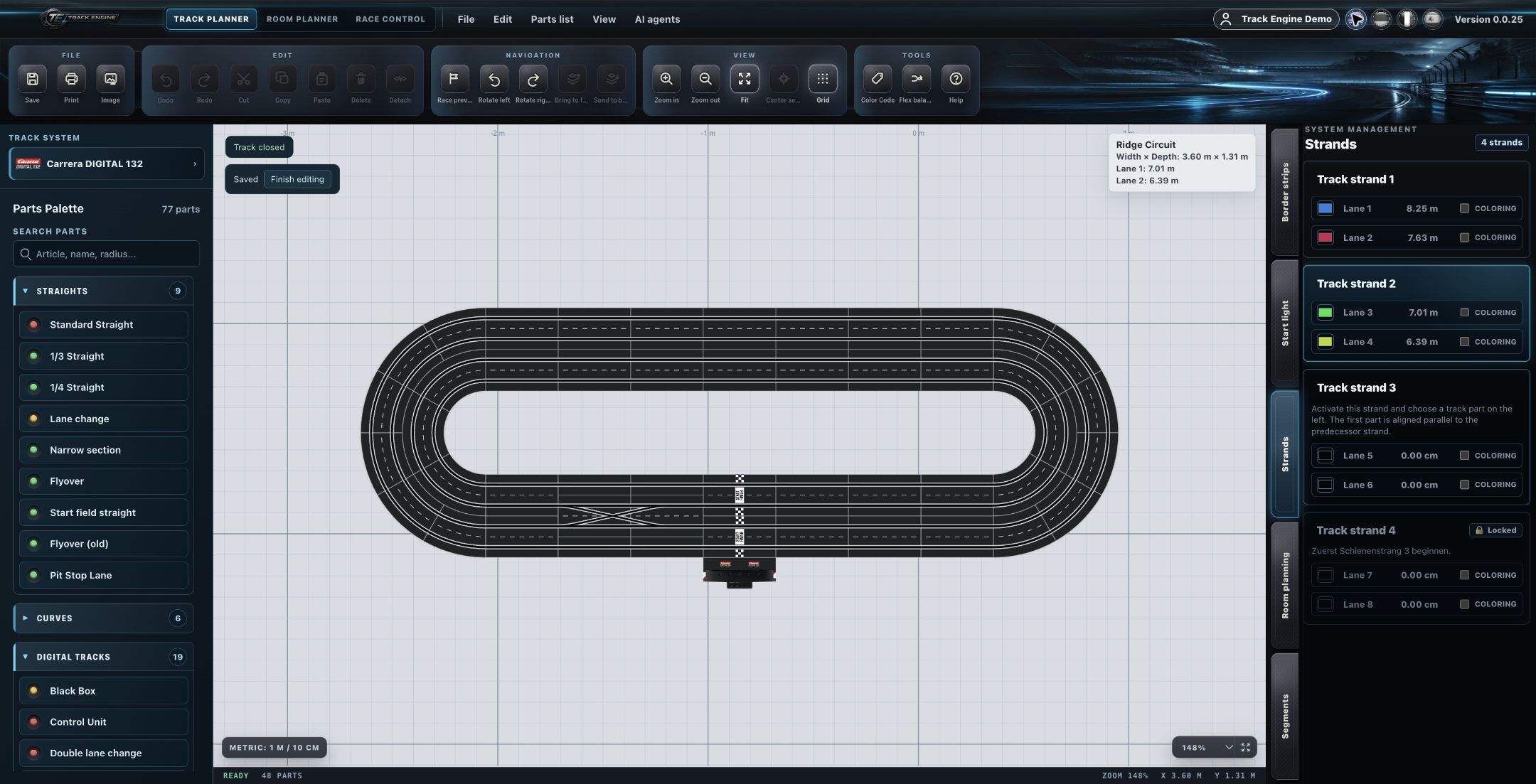
Physical lane topology stays distinct
Physical lane topology is distinct from the purely visual arrangement in the layout — the visual representation alone doesn't determine the actual physical lane connectivity.
The maximum number of strands/lanes depends on the selected track system.
Documentation gap
The exact maximum values per track system, automatic mapping behavior between a route and a strand, and exact branch rules aren't fully documented yet.
Related articles
Was this page helpful?